---
title: Social Login
description: Authenticate users with built-in or custom third-party identity providers using prebuilt UI or custom SDK interfaces.
sidebar:
order: 1
---
## Social login summary
- The ThirdParty recipe authenticates users through third-party providers with either the prebuilt UI or a custom SDK-based interface.
- Configure a built-in provider such as Google or Apple, or implement a custom provider.
- Hooks and overrides add custom sign-in logic. A custom invite flow can disable public sign-ups.
## Overview
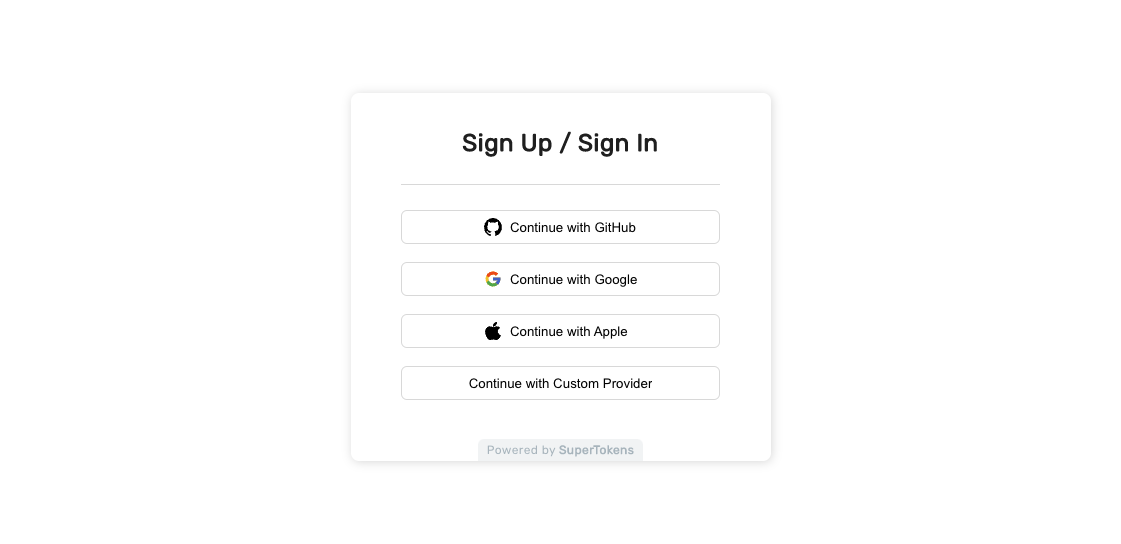
The **ThirdParty** `recipe` provides a way of authenticating users through a third party provider.
You can use it out of the box, with the **Pre-Built UI**, or implement your own interface through the available SDKs.
 ## Getting started
You can either follow the quickstart tutorial or use the `CLI` tool to generate an example app that shows you how the recipe works.
Go through a quick tutorial that shows you how to add the **ThirdParty** recipe to your app.
## Customization
To adjust the functionality to fit your use case you can explore different sections from the documentation.
Read more about the common providers exposed by the recipe.
See how you can create your own custom provider.
Add custom logic after the logs in or signs up.
Disable public sign ups and use your own invite flow.
## Getting started
You can either follow the quickstart tutorial or use the `CLI` tool to generate an example app that shows you how the recipe works.
Go through a quick tutorial that shows you how to add the **ThirdParty** recipe to your app.
## Customization
To adjust the functionality to fit your use case you can explore different sections from the documentation.
Read more about the common providers exposed by the recipe.
See how you can create your own custom provider.
Add custom logic after the logs in or signs up.
Disable public sign ups and use your own invite flow.